


Have you heard about the ban on cookie transfer? Or the ban on the transfer of personalized data related to user events and visits? Or perhaps about the history of Facebook events on iOS 14+? Something similar is now happening with Google, and it will become effective starting March 24, 2024. Let’s take a closer look.
The topic of permission and prohibition on the transfer of personalized data became relevant for iOS 14+ devices a few years ago, and it was particularly problematic for Facebook advertisers. Facebook’s solution was to integrate the API Conversions. Google addressed the issue by updating encryption within Tag Manager. But now, this affects all websites with any Google tags that receive traffic from the European Economic Area (EEA).
Currently, Google wants all users of websites in the EEA to be able to either give or refuse their consent for the processing of user data (cookies). This infrastructure is known as consent mode.
Consent mode refers to permission or prohibition of transferring user information related to website visits (cookies).
This mode must be implemented by all websites with at least one Google tag (analytics, tag manager, conversion tag).
According to Google, company representatives will initially provide advisory support to help implement this feature. However, if consent mode is not implemented, Google Ads accounts may be blocked.
Logically, for those who rely on advertising, this is no joke, as all Google Ads accounts are now verified and linked to individuals or companies. The situation is more complicated for websites focused solely on SEO with no commercial commitments to Google. However, in any case, serious sanctions should be expected in the absence of consent mode, as the European Union’s legal requirements take precedence over Google’s policies.
Additional risks and why we are discussing this.
☝ Apart from Google penalties, there are advertising risks as well. If data isn’t transferred, analytics won’t be able to track conversions, and Google Ads won’t see the effectiveness of ad campaigns. As a result, the ad process, driven by intelligent bidding strategies, will become completely unpredictable, and its effectiveness will drop to zero. This puts the entire digital advertising sector at risk of collapse.
This is a kind of revolution in data transfer, which will change the way many businesses operate. If businesses don’t adapt to the new realities of consent mode, they risk their very existence. We highly recommend delving into how consent mode works.
➊ How to implement consent mode?
👉 Through certified Google partners, offering ready-made solutions for implementing consent code. You just need to choose who to work with and insert the code on your website.
👉 By adding additional lines of code to the existing Google Developer tags according to the regulations.
You can take the first, easier route, but in the long run, you might find that standardized consent banners won’t provide the best results.
In consent modes, there are specific settings. Changing these settings also alters how data is processed and sent to Google’s servers.
➋ How understanding consent algorithms?
2.1 The command that controls data collection consent is “consent”.
The “consent” command has two values:
- default - the default setting;
- update - used for updating consent properties.
* The “consent” command should be called on every page of the website.
2.2 As soon as the page loads, the code should ensure that the default setting prohibits data transfer, as the user has not yet given their consent. For example:
('consent', 'default', {
  'ad_storage': 'denied',
  'analytics_storage': 'denied'
});
2.3 When the user interacts with the popup banner, the “consent” directive should add the type of consent, whether allowing or denying data transfer.
The types of consent may be as follows:
- ad_storage - allows storing data (e.g., in cookies) related to advertising;
- analytics_storage - allows storing data (e.g., in cookies) related to analytics, such as session duration;
- functionality_storage - allows storing data related to website or app functions, such as language preferences;
- personalization_storage - allows storing data related to personalization, such as video recommendations;
- security_storage - allows storing data related to security (e.g., authentication), fraud prevention, and other protective measures.
The commands for allowing or denying data processing are as follows:
- granted - permission to transfer data;
- denied - prohibition on data transfer.
2.4 An example of implementation might look like this:
<!-- Global site tag (gtag.js) - Google Analytics -->
<script async src="https://www.googletagmanager.com/gtag/js?id=G-XXXXXX"></script>
<script>
  window.dataLayer = window.dataLayer || [];
  function gtag(){dataLayer.push(arguments);}

  // Default ad_storage to 'denied'.
  gtag('consent', 'default', {
    'ad_storage': 'denied'
  });

  gtag('js', new Date());
  gtag('config', 'G-XXXXXX');
</script>

<!-- Update this section based on your business requirements. -->
<script>
  function consentGranted() {
    gtag('consent', 'update', {
      'ad_storage': 'granted'
    });
  }
</script>

<body>
  ...
  <button onclick="consentGranted">Yes</button>
  ...
</body>
In this code, we see that data collection is initially denied by default, and then permission is granted for “ad_storage”.
According to the regulations, this is how it should work. If you skip the step of setting the default settings, the system will interpret this as granted permission, which is not correct according to the guidelines.
We’ve spent a lot of time studying the documentation to present this in a more understandable form. To confirm the logic behind our approach, we’ll show you a test on a popular website, using one of the plugins certified by Google.
Basic site visit without confirmation.
If no interaction is made, minimal data is loaded into the cookies, and more importantly, there is no unique Google Analytics client ID.

Site visit with consent for statistics and marketing data.
Upon confirmation, Google Analytics data and other systems are loaded.

You will have a very logical question:
How to work then? How to advertise?
We initially thought that the solution would be end-to-end analytics via Measurement Protocol, but no! Since no consent means no Client ID or GCLID generation.
Thus, there are a few solution options:
- Violate the law and proceed as before.
- Fake consent confirmations, but that’ll only last until the first warning.
- Use UTM tags, as Google recommends. Unfortunately, conversions won’t sync with Google Ads. You’ll see conversions in GA4, but Google Ads won’t be able to use this data.
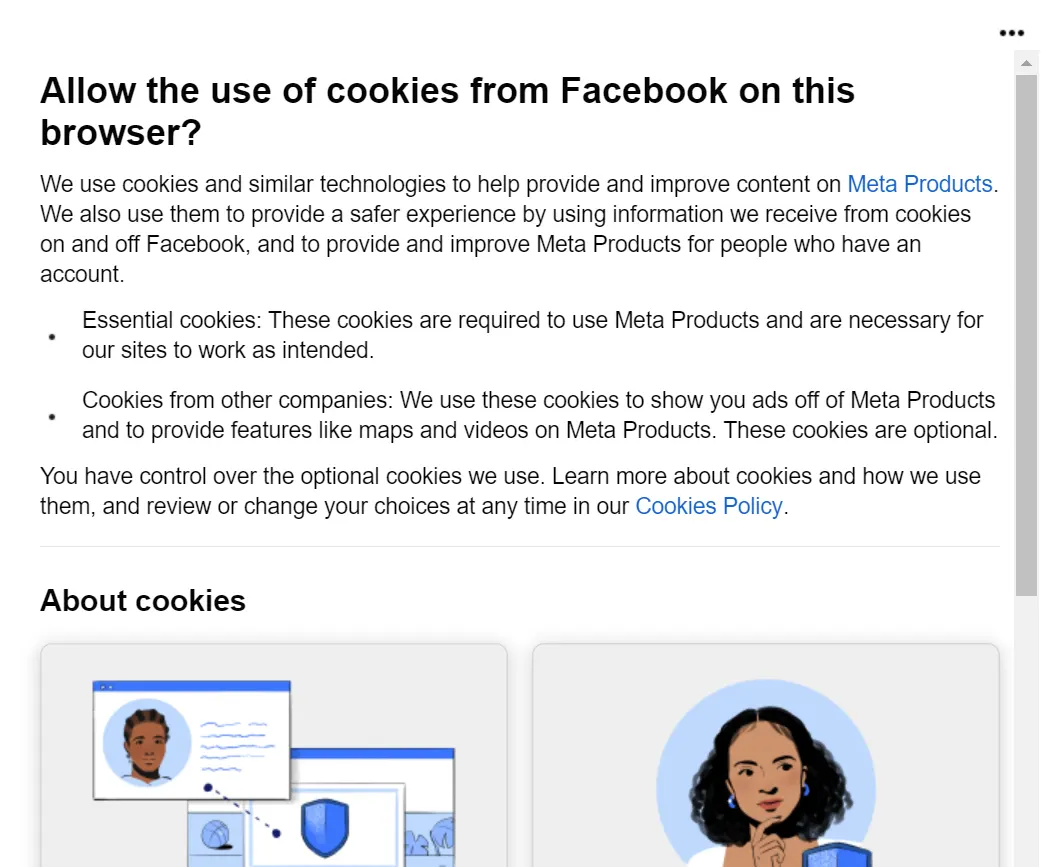
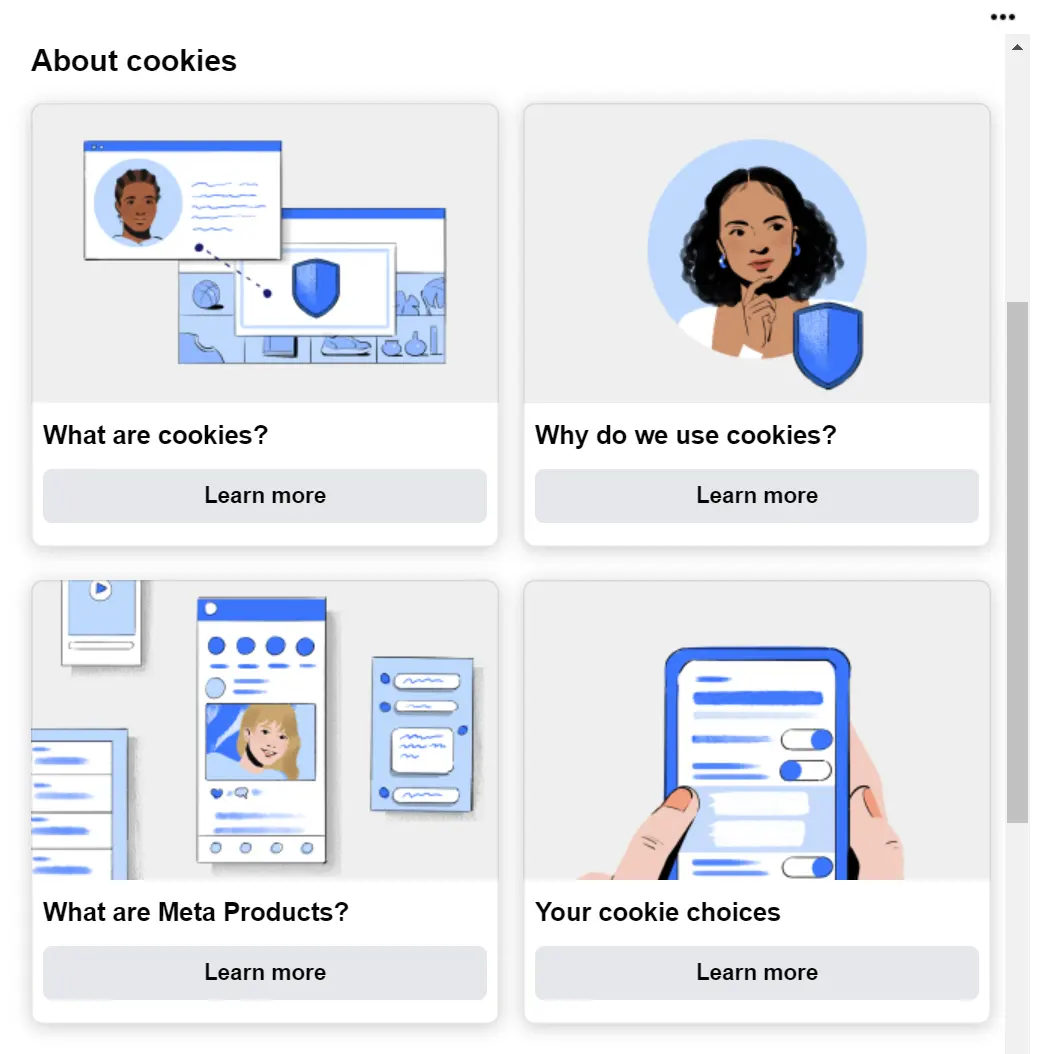
- Make the consent banner more obvious and detailed to encourage users to click what benefits you. Here’s a decent example from Facebook:
If data transfer is prohibited, GCLID won’t be passed into cookies. It will simply exist in the URL without any data being transferred. Our tests confirm this in the screenshots.

And here’s an example from Google:
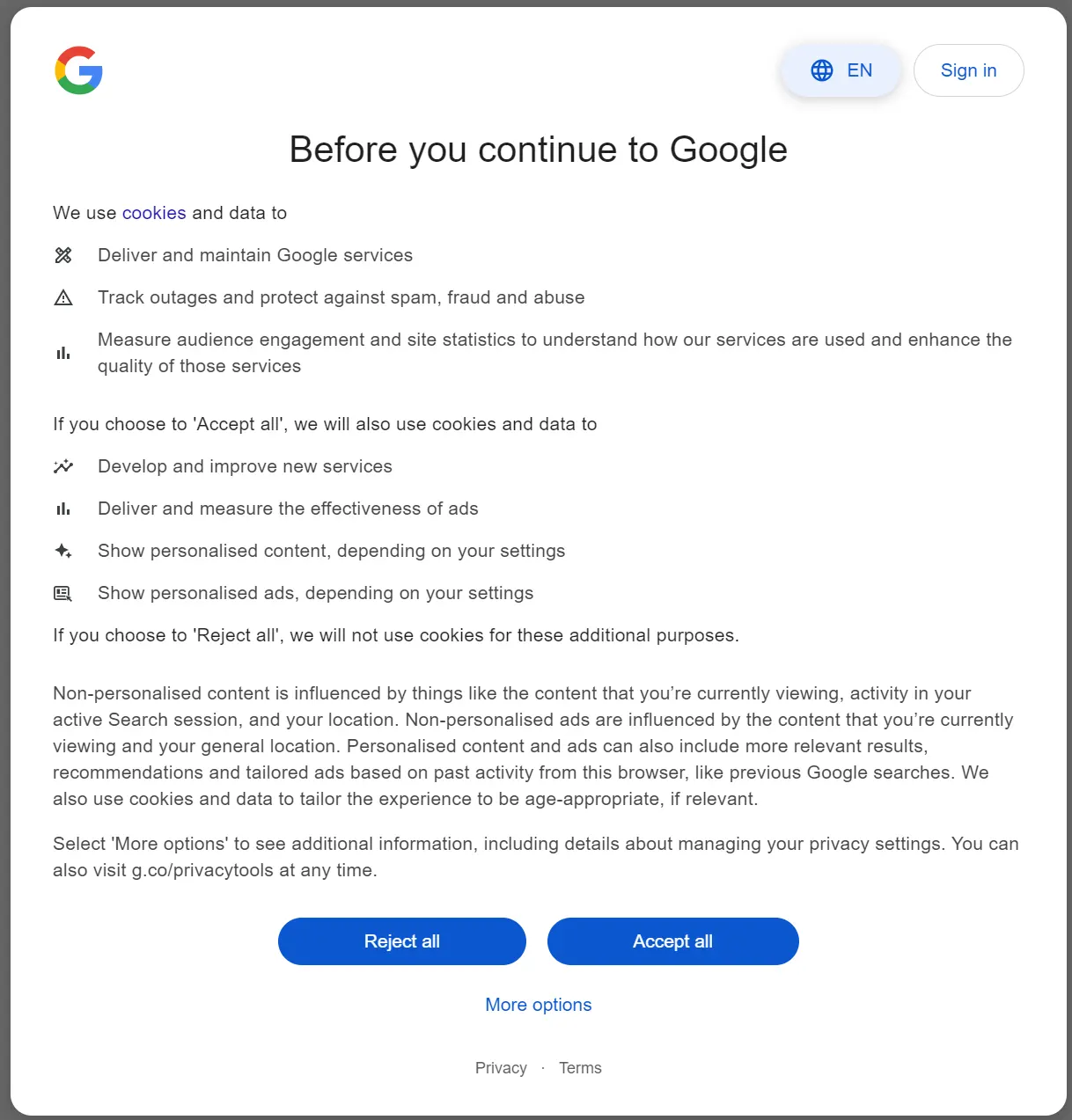
In the past, there was just a simple warning banner with a button, but now every click on such a banner triggers actions that change the data transfer algorithms between the website server and Google’s services.
If you’re building your consent window yourself, here are a few tricks:
👉 If the user consents, set the cookie lifespan to the maximum allowed time.
👉 If the user does not consent, set the cookie lifespan to the minimum time.
* You may already have a cookie consent block on your website, but in 99% of cases, it’s a dummy. Changes to data transfer algorithms should occur within the website when buttons are clicked, which is exactly what Google requires.
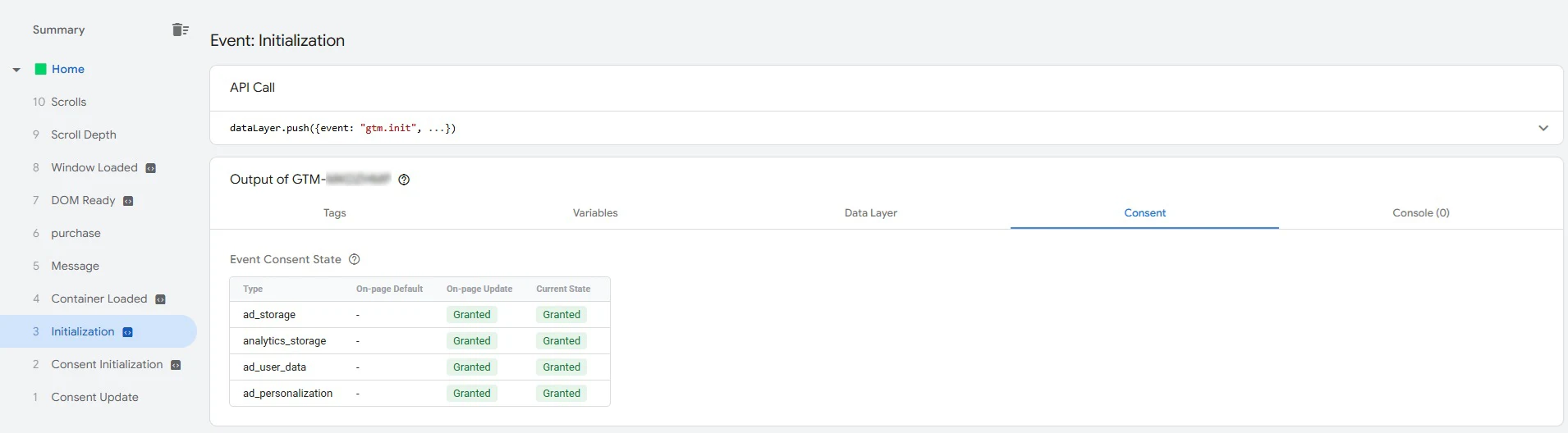
You can already check the implementation of consent mode through Tag Manager in the tab that was created recently:
Useful official sources:
Consent Modes and Ukraine
As of the time of writing, Ukraine is NOT part of the European Economic Area (EEA). Therefore, if your advertising is ONLY targeting Ukraine, you do not need to implement consent modes yet. This issue can be postponed until Ukraine joins the EU.
We hope this material has been useful and interesting for you. If there are any updates on this topic, we will be sure to supplement the article.
 Order a service