


With the advent of Google Shopping, a new type of advertising has become available for online stores – shopping campaigns Ads, which allow you to advertise the product itself in search results and the Google Adsense affiliate network.
Main features:
👉 the search network shows not a text ad, but a product ad with a price, picture and title;
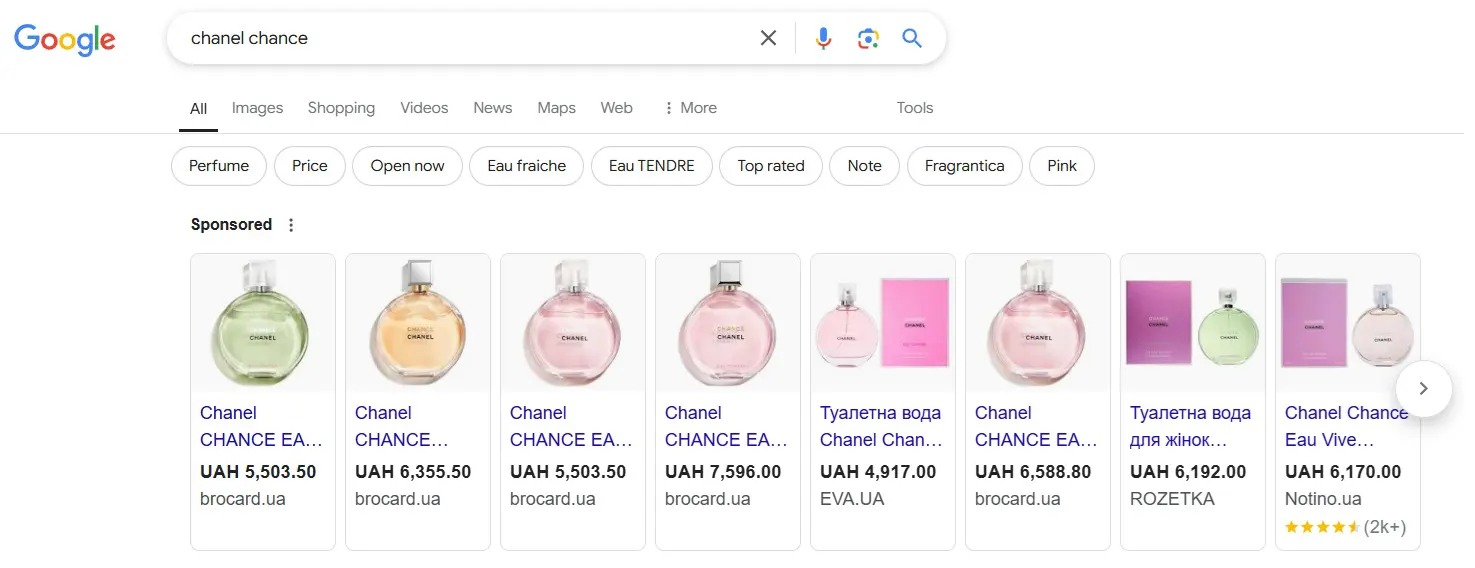
The level of engagement in a product ad is much higher than in a text ad, since you can immediately see the offers of online stores without visiting them and spending time.
👉 statistics on the effectiveness of products are available - clicks, impressions, CTR, conversions, viewing time, etc;
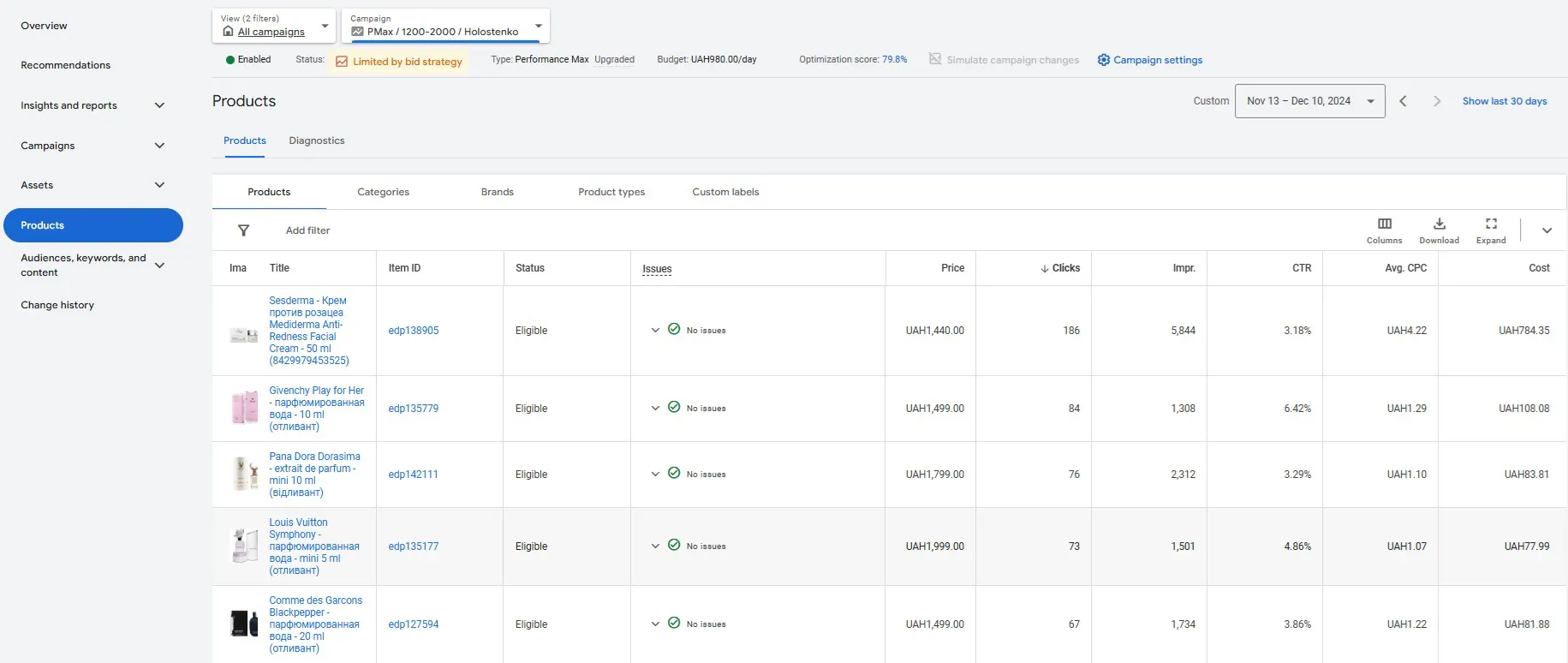
Entire strategies can be built depending on many product characteristics.
👉 the ability to select a specific segment of goods that need to be advertised;

This could be a category, availability, status, price range, etc.
👉 there is no need to enter keywords – they are automatically pulled from the product feed data;
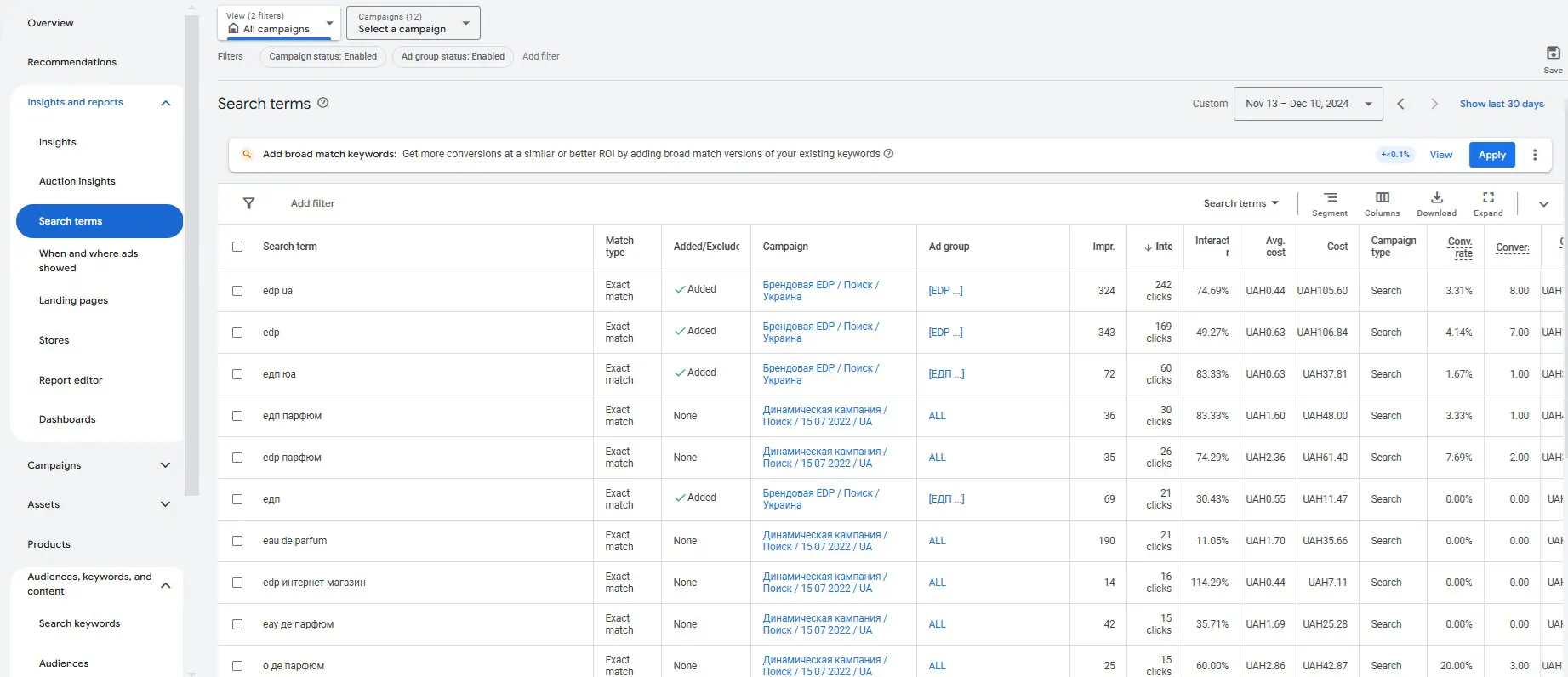
You will learn about keywords based on the campaign's performance in the auction statistics of the advertising campaign itself.
To launch a shopping campaign in Google Ads, you need to:
1. website adaptation for online sales;
It is necessary to prepare the site as much as possible so that a person can make an order, pay by card and receive the order without leaving home. A fully online store. It turns out that the market is divided into those who can do this and they move on, and those who cannot do this and remain on the sidelines. Therefore, immediately take a closer look at your site developer, the requirements for site moderation in Merchant Center are very strict and tough. Without passing moderation, you will not move forward.
2. registration and setup of Merchant Center;
The easiest and most understandable step, the interface is much simpler than Ads, Merchant Center registration occurs here. You will need to fill in all the data about the online store, confirm that you are the owner, upload logos and data feed.
3. forming a product feed;
Product data file in special formats required by Merchant Center. In most cases, this is XML (for large feeds) or Google Sheets (for a small number of editable products). Once you upload the feed, your site is sent for moderation, which lasts up to 3 business days. If you pass it, you create a trading campaign; if not, you fulfill all the necessary requirements.
4. creating a shopping campaign in Ads and launching it;
Step by step, everything is simple in theory, but in reality, it is quite difficult to perform these steps yourself, since you will have to face all the "pitfalls" due to ignorance of all the practical aspects. This is where we come to the rescue - expert Ads practitioners, we will guide you step by step from the idea to the launch of trading campaigns from A to Z.
Regarding the effectiveness of shopping campaigns, online stores spend up to 80% of their contextual advertising budget on them, as today this is the most effective channel for online sales.
Due to the implementation of many projects, we recorded a review video on how to launch advertising in Google Shopping and pass moderation in Merchant Center. We recommend watching it!
If you are already working with Google Shopping, there are some useful tips that you can see and hear here:
Today, shopping campaigns are a constant trend in the development of advertising in Google, as they allow you to combine both visual and search advertising in one campaign. At the moment, algorithms for displaying in shopping campaigns can be managed using artificial intelligence technologies, namely with the ability to set priorities for conversions and profitability, as a result, the system will do everything for you - and will show where it is necessary and adjust rates, bringing the campaign to the desired economic result. This type of campaign is called Performance Max. Before them, there was an era of smart shopping campaigns, but they are no longer worth writing about, they are already history.
A little bit about Performance Max Google Ads
A new solution for Google Shopping campaigns. Campaigns that combine:
- financial analytics of sales in Google Analytics e-commerce;
- flexible bid management;
- focus on sales profitability;
- advertising in search and GDN;
- analytics of user sales impulses.
A unique solution that combines the simultaneous operation of all the above factors.
The main advantage of PmMax campaigns is working with profitability. By setting specific profitability settings, you insure yourself against financial risks and unjustified expenses.
For more information on how to manage and launch this, please contact the agency.
 Order a service