



You've probably seen catalog ads on Facebook or Instagram with unique text, icons, images, and logos on product photos that aren't included in the standard Facebook Ads Manager toolkit.
They look something like this:
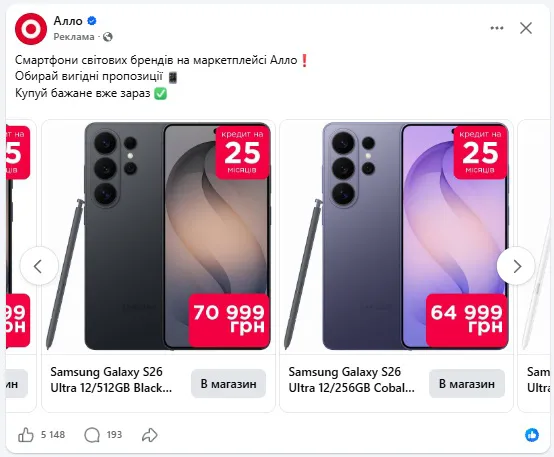
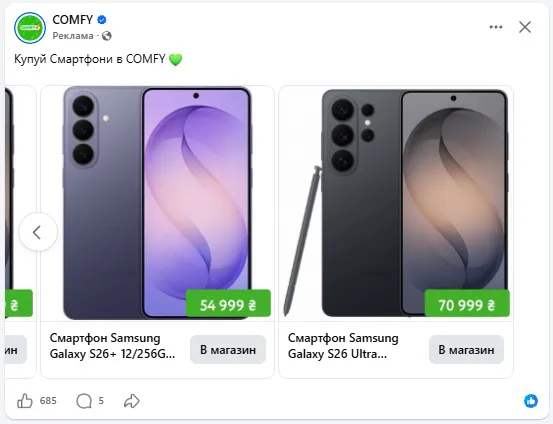
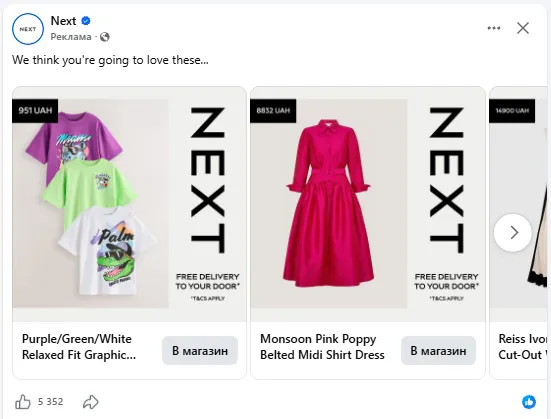
The solution is Facebook Commerce Manager image templates.
When you launch this feature, the system will immediately prompt you to create an image template from scratch or using an example:
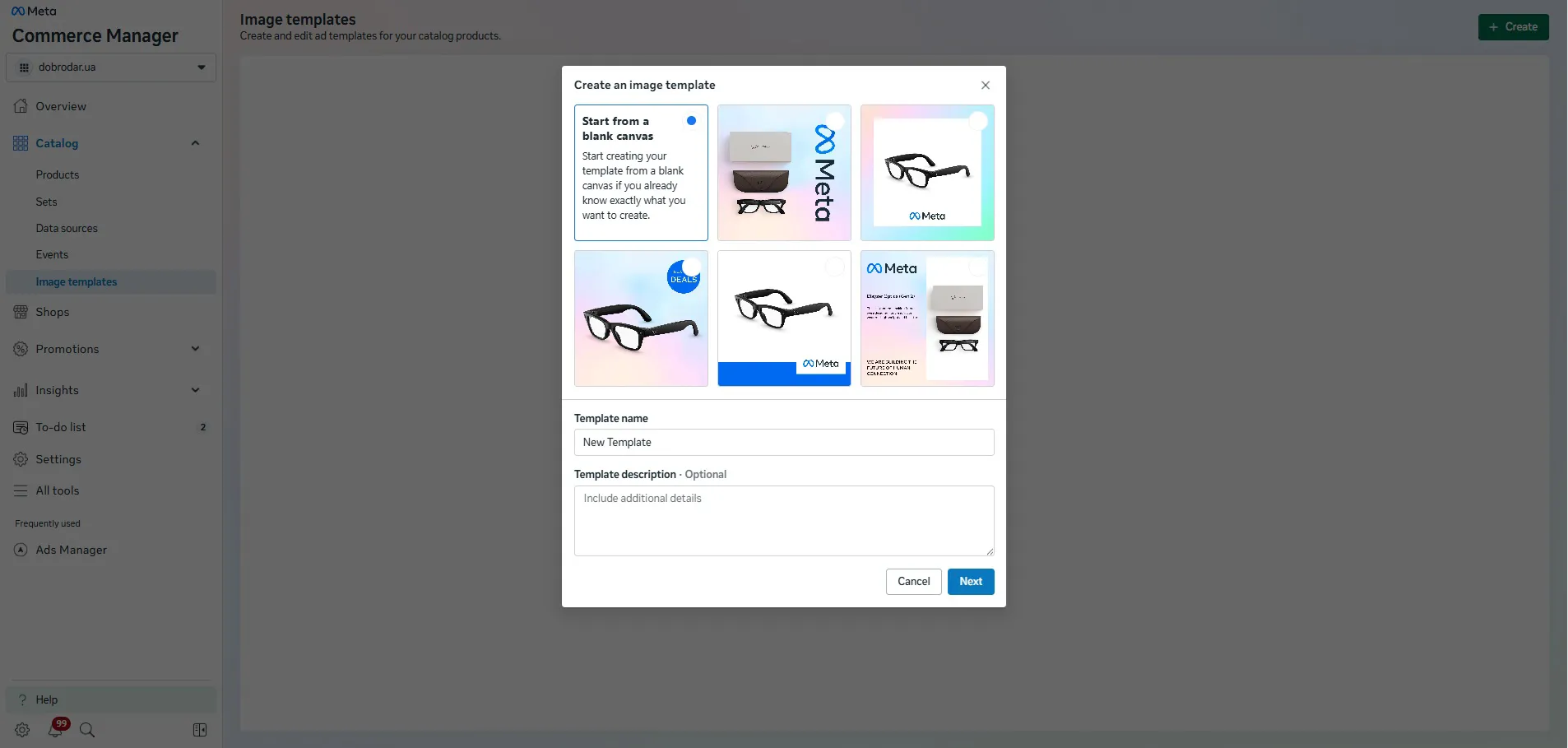
Once created, you name the template and use it.
Previously, similar tasks were solved by loading information from a catalog or adding a frame. Facebook has now implemented image templates to help each brand convey its unique identity.
How do I add a template to an advertising campaign?
To add an image template to an ad campaign, select "Single image or video" or "Carousel" when creating your ad, and then select the desired "Image template" in the media files.
Once you upload a template to your ad, you'll lose the ability to edit it. From there, it's a matter of creativity, testing, and your unique value proposition.
 Order a service