


Surely, in the search results you have already seen the display of products with a rating, namely with stars and the average rating of a specific product.
Product rating is a consolidated rating of a specific product, formed based on reviews from customers who made a purchase through the Google Shopping system.

In this article, we will talk about how to organize product ratings in Google Shopping for your online store. So, let's go.
Connecting the product rating program
At some point, Google developers updated this program for the Ukrainian market, but without an announcement. It went unnoticed.
To start using the “Product Ratings” program, you need to go to the “add-ons” tab in the Merchant Center and send a request to connect the program.
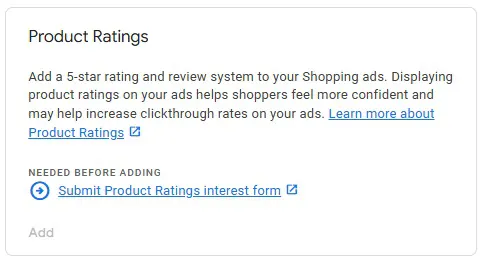
After activating the "product rating" program, the program will be available in the "Your add-ons" tab, from which you can go to the "reviews" tab with full information about the program and statistics, where you will be able to upload a feed of product reviews. An example of a feed is here.
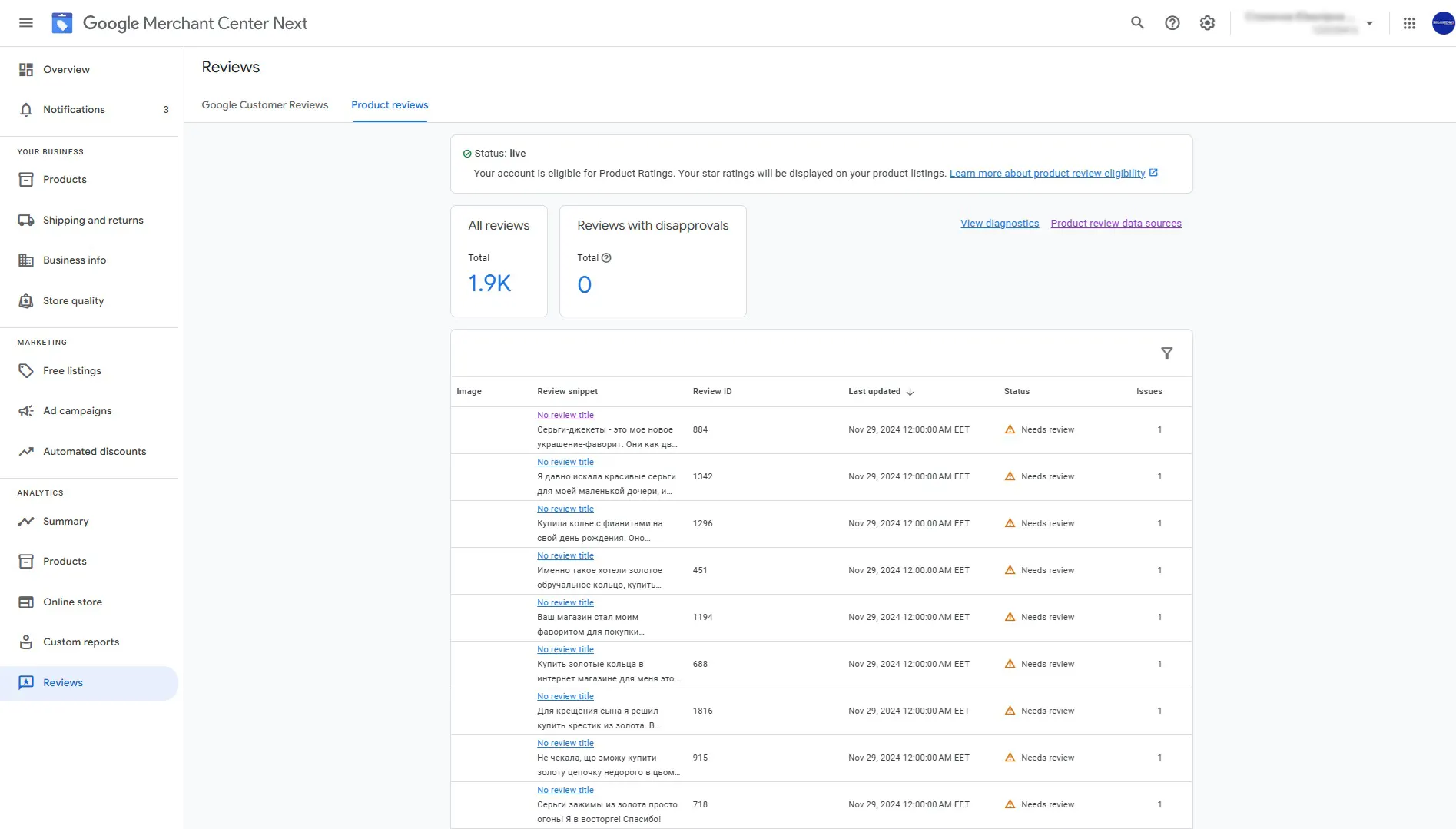
Who can join the product rating program?
- Accounts with more than 50 product reviews and that have submitted a specially designed review feed to Merchant Center (learn more about the review feed here);
- Accounts that collect product reviews through approved aggregator companies (their updated list is here) with product identification by GTIN or sku.
A little bit about GTIN
GTIN is an internationally unique product identifier, compiled according to generally accepted standards. It is popularly called a "barcode".
In the “product rating” program, reviews are consolidated by product GTIN in the Merchant Center and then displayed in Google Shopping ads.
GTIN codes are implemented in each product in the feed:
<g:gtin>3234567890126</g:gtin>
In some countries the GTIN parameter is mandatory, if it is not mandatory in your country, then reviews can be compared by sku.
After the program is approved and 50 reviews are received, product stars in the Google Shopping tab will become active.
We hope that this article was relevant for you. For more detailed information, please contact the agency.
 Order a service