


One of the most frustrating things for Facebook advertisers is the sudden blockage of an ad account or Business Manager, causing all of your campaigns to come to an abrupt halt. In this article, we’ll walk you through the process of unblocking accounts and Business Managers, as well as explain how to reach Facebook (Meta) support.
How to contact Facebook (Meta) support?
When your ad account gets blocked, the first thing you’ll want to do is contact Facebook (Meta) support to find out what caused the block and how you can get the account unblocked.
In some cases, the block might just be due to an unpaid bill, which can be quickly resolved by updating your payment information or ensuring you have enough funds available. But in more complex cases, you’ll need to reach out to Facebook support directly.
Steps to contact Facebook (Meta) support:
➊ Go to the Meta Help Center, scroll down to the middle of the page, and click “Get Started.”
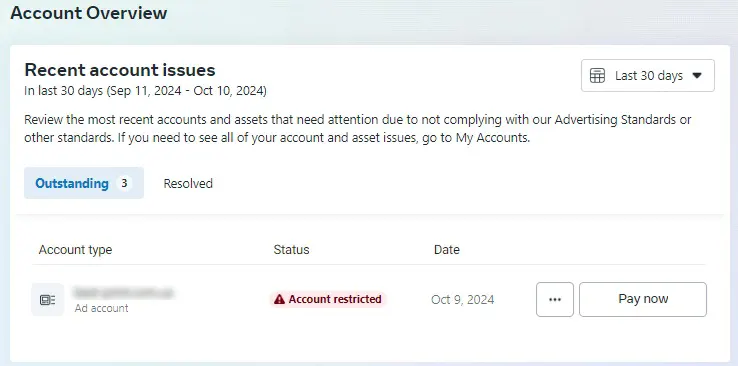
➋ Once you’re on the account overview page, you’ll see a few options:
👉 View which accounts have been blocked and immediately submit a request to unblock them.
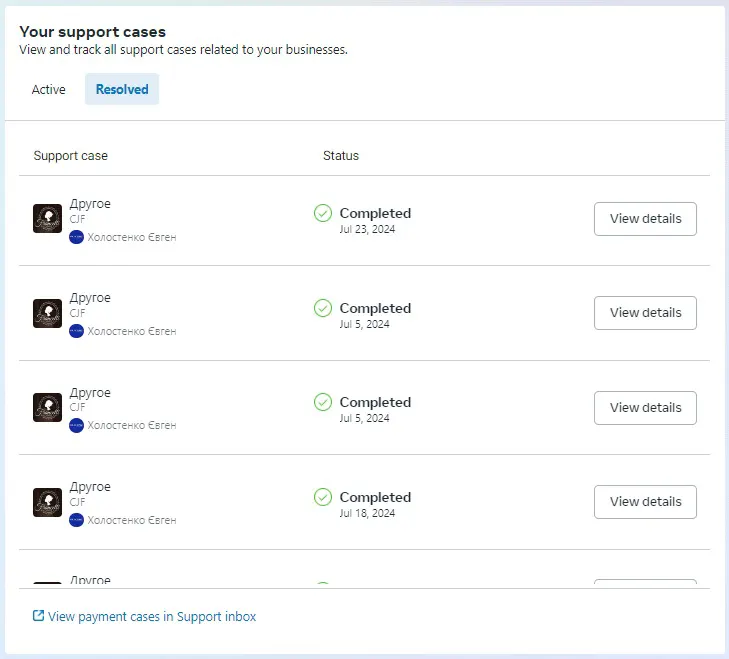
👉 Check the status of your open and resolved tickets with Facebook support.
👉 Reach out to Facebook (Meta) support to explain your issue.

In the support request window, select your account and provide detailed information about the issue you’re experiencing.
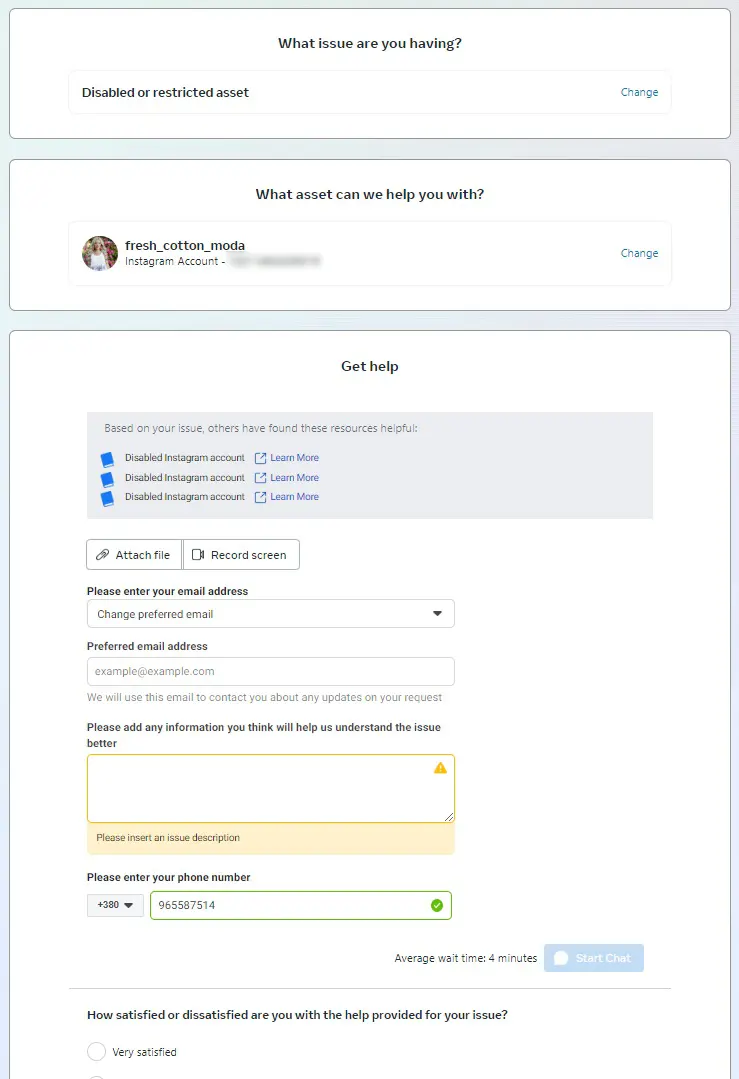
In many cases, an online chat option will be available, allowing you to speak with a Facebook (Meta) support representative. If chat is not available, you’ll be able to submit a ticket. The worst-case scenario is if support is temporarily unavailable, in which case you’ll be redirected to the Facebook (Meta) Help Service. If this happens, try again a bit later.
Important notes on Facebook (Meta) support
Keep in mind that Facebook (Meta) support is not available 24/7. If you can't get through, try contacting them at a different time. It's also important to understand that support agents are not engineers—they’re more like customer service reps who document your issue and escalate it if needed.
Response time and next steps
After your issue is logged, it generally takes about 48 hours for a response, depending on the complexity of the problem. If your issue is resolved within that time—great! If it gets escalated to an internal department, the process could take several weeks.
For follow-up communication, you can:
- Request updates on your support ticket through the support system.
- Respond to the email you received containing your ticket ID.
Facebook is a complex platform, and there are many reasons why an account might get blocked—ranging from competitor complaints to policy violations. Since these cases can vary widely, we won’t go into detail here, but they are often very specific to each situation.
We wish you the best of luck with your Facebook advertising. Until next time!
 Order a service