


If your account has a complex structure and requires bulk actions on groups of elements, then Google Ads Editor might be just what you need.
Google Ads Editor is Google’s official desktop program for managing Google Ads accounts, with the added benefit of working offline.
Possibilities of Google Ads Editor:
👉 Work with your downloaded account offline on your desktop, without browser "lag."
👉 Perform bulk actions on any campaign elements, from keywords to ads.
👉 Export and import campaign elements efficiently.
These are the main features. How you use them is key: some people create campaigns in bulk, others upload keywords en masse, some change campaign settings in bulk, while others edit ads at scale. Everyone uses these features according to their PPC advertising needs.
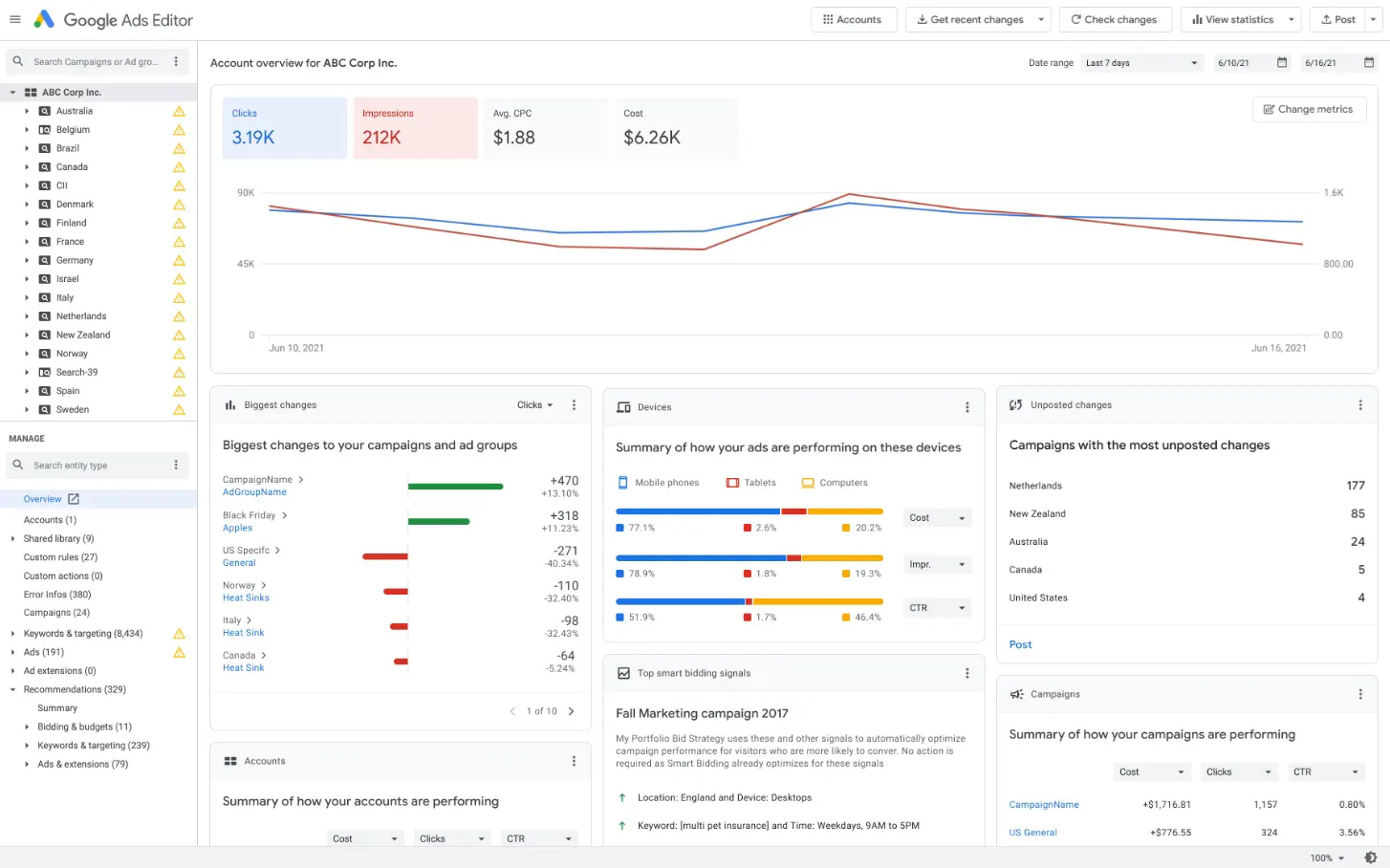
Here’s a look at how the program works:
The Advantages of Google Ads Editor
The basic functionality of Google Ads Editor is already a significant advantage compared to using Google Ads in a browser. Simple commands like copy, delete, paste, and edit can be performed on thousands of elements in seconds - something incomparable to the browser-based version of Google Ads.
Google Ads Editor is regularly updated, at least once every two months, with new features and improvements.
You can always download Google Ads Editor from the official website.
For more professional use, we recommend learning Excel, as all bulk uploads are typically prepared in it.
* The only limitation of Google Ads Editor is that it can handle accounts with up to 5,000 campaigns. This has been tested.
 Order a service